How to track sales performance?
- How to track sales performance?
Log in to the Met IRL site,
Step 1: Click the three line icon on your left,
Step 2: Click on Manage Event,
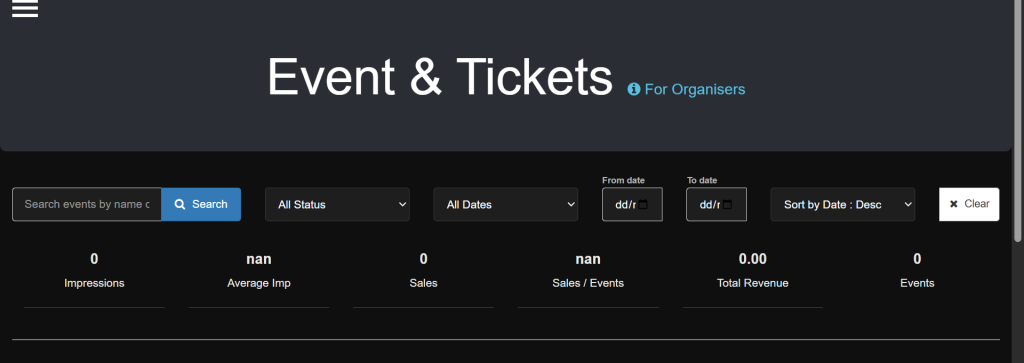
Step 3: Click on Event, you will see the analytics of all events by the right hand side. You can download as pdf or png to view
Or you can search for search for specifics events and compare the sales
Alternatively, you can check for specific events by clicking on manage icon beside the specific event,
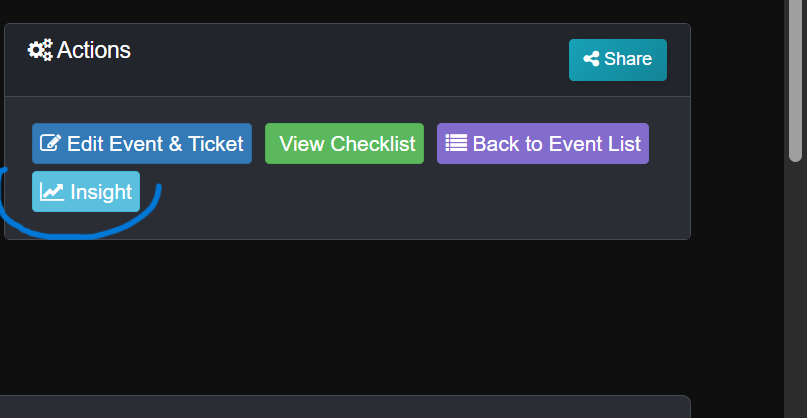
Step 4: there is an insights icon, click on it to view full details