How to create and view checklist on Met IRL Creator?
Staying organised is easy with Met IRL’s checklist feature. Here’s how to set it up:
- Open the menu — Click the three-line icon on the left side of your screen.
- Go to Manage Event — Select Manage Event, then click on Event. Note: Ensure the event you want to create a checklist for has already been created.
- Select your event — Find the event and click the Manage icon beside it.
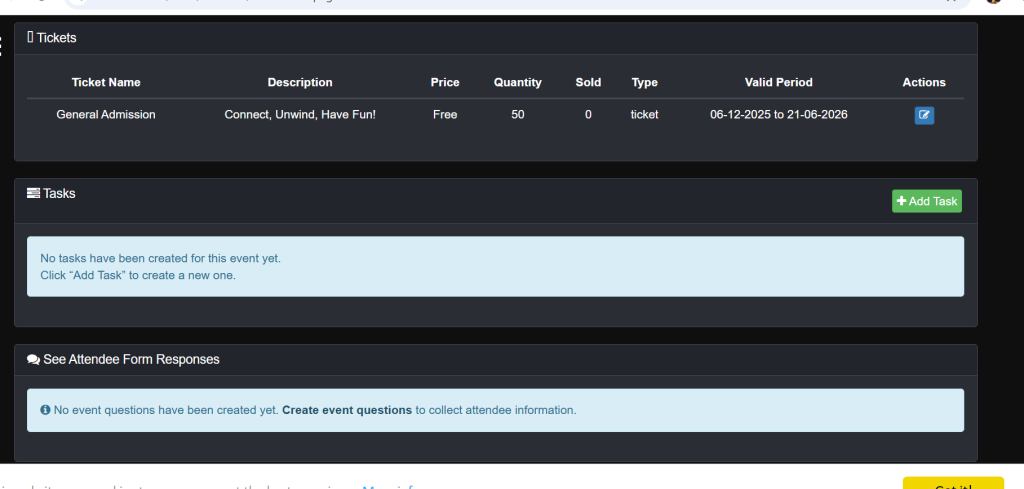
- Add your tasks — Scroll down, click the + Add Task button, fill in the details, and hit Save. Repeat this for as many tasks as you need.
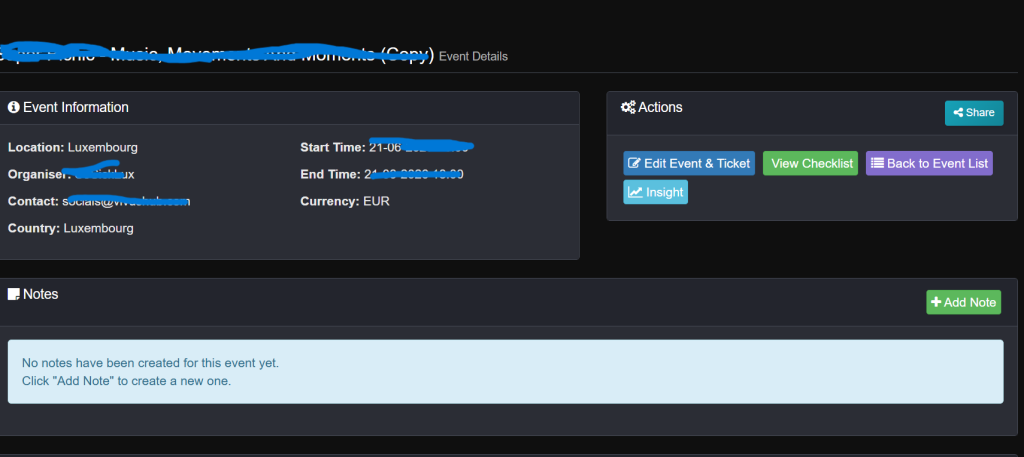
To view your checklist: On that same page, scroll back up and click the Checklist button — all your tasks will be displayed there.
Note: Team members must have been invited and must have accepted the invitation before you can successfully assign tasks to them.