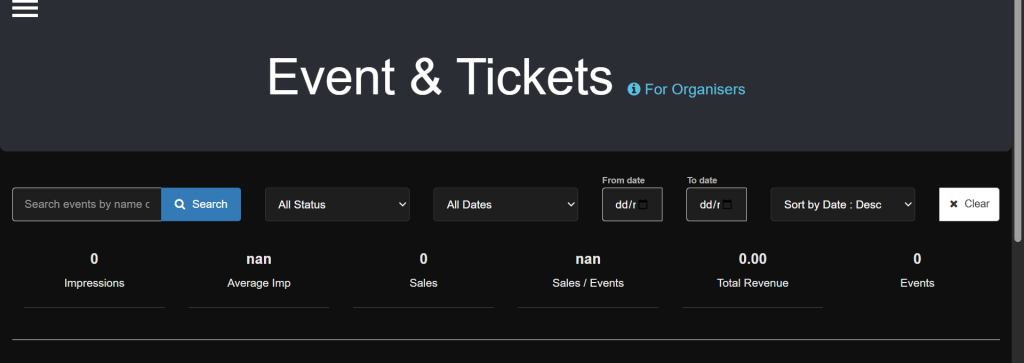
How to track page views, sales and recurring attendees?
- How to track page views, sales and recurring attendees
When you log in to the Met IRL site,
Step 1: Click the three line icon on your left,
Step 2: Click on Manage Event,
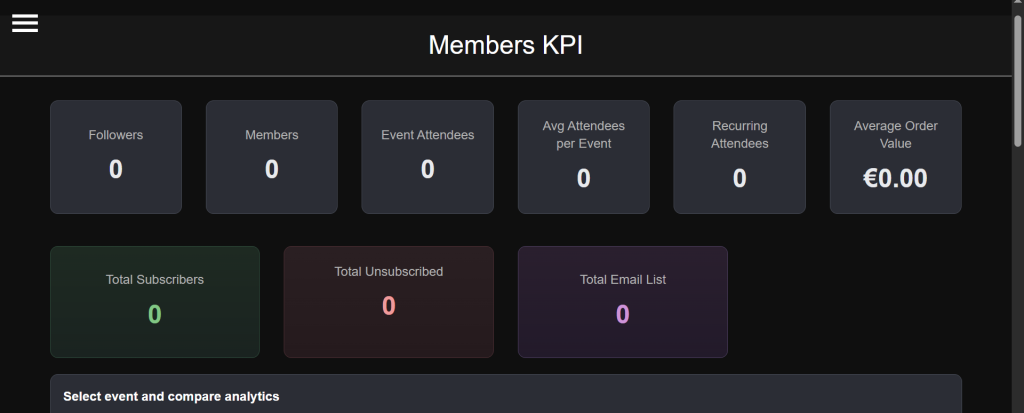
Step 3: Click on Members KPI.
Step 4: You will see the summary of your overall events members and average sales.
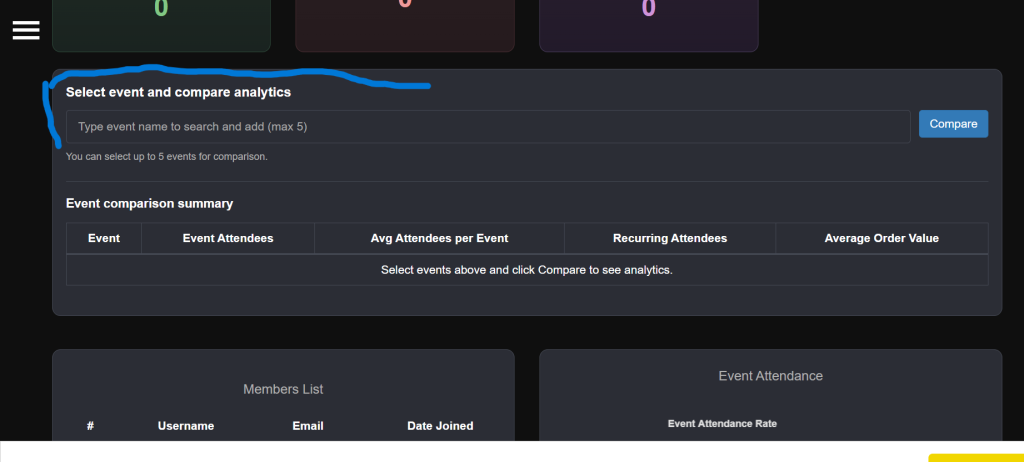
To check for specifics, you can compare different events to check recurring attendees of one events to the other by;
Step 5: Type the name of the different events you want to compare under the – Select event and compare analytics box